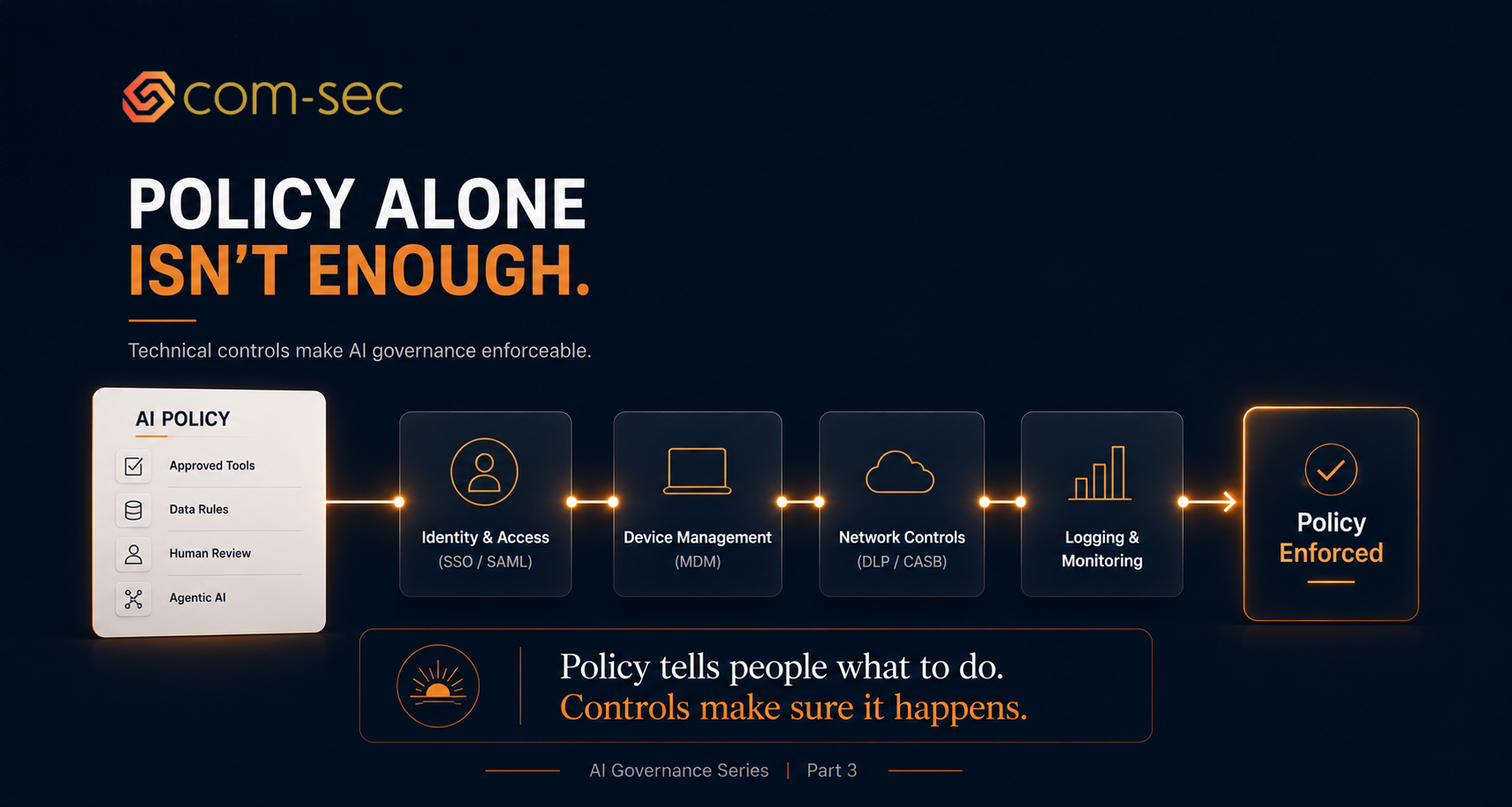
A policy without technical controls is a suggestion. Here's how to make it real.
Identity and access
If you're using AI tools at the enterprise tier, provision them through your identity provider. SSO/SAML for every AI tool that supports it. This gives you a single point of control for who has access, and a single point of revocation when someone leaves or changes roles.
For API-based AI usage, manage keys through a secrets manager. No API keys in source code. No shared keys across teams. Rotate keys on a schedule and when team members leave.
MDM and device controls
If you've decided that agentic tools like Cowork shouldn't run on machines with production access, enforce that through your MDM. Create device groups: machines with Cowork enabled and machines with production/admin access. Keep them separate.
Use Cowork's built-in app blocklist to prevent it from accessing specific applications (cloud consoles, infrastructure tools, sensitive internal apps). This is a configuration, not a request. Set it at the admin level.
Network and DLP
If your environment supports it, use DNS filtering or a CASB to block unauthorized AI tools at the network level. If marketing signs up for a new AI writing tool that's not on the approved list, the block happens before data ever leaves your network.
For companies handling PHI or sensitive data, consider a DLP solution that can inspect outbound traffic to AI APIs and flag or block transmissions containing sensitive patterns (SSNs, MRNs, credit card numbers). This isn't foolproof, but it adds a layer.
Platform configuration
For each approved AI tool, configure the enterprise settings correctly before anyone starts using it:
Claude Enterprise: enable HIPAA mode in admin settings if you're processing PHI. Confirm ZDR is active if required. Disable features not covered under your BAA (web search, beta features).
Cloud AI services (Bedrock, Vertex): ensure the AI services are included in your cloud BAA. Configure VPC endpoints so data doesn't traverse the public internet. Enable logging for all AI API calls.
GRC platform: add your AI tools to your vendor register. Map AI-related controls in your compliance framework. Set up evidence collection for AI governance controls.
Logging and monitoring
Log every AI API call your company makes. At minimum: timestamp, user, model, input token count (not the input itself if it contains sensitive data), and output token count. This gives you an audit trail without storing the actual prompts and completions.
If your AI platform supports it, enable admin audit logs. Claude Enterprise provides organization-level logging. Use it.
Set up alerts for anomalies: unusual volume from a single user, API calls outside business hours, calls to models that aren't on your approved list.
The principle
Every rule in your policy should have a corresponding technical control. "Don't put PHI into consumer AI tools" should be backed by SSO provisioning that only gives access to the enterprise tier, plus network controls that block the consumer domains. "Agentic tools can't access production systems" should be backed by device segmentation and app blocklists. Policy tells people what to do. Controls make sure it happens.
Up next in the series
In Part 4, we'll cover the vendor and third-party side of AI governance.
Read Part 4 →