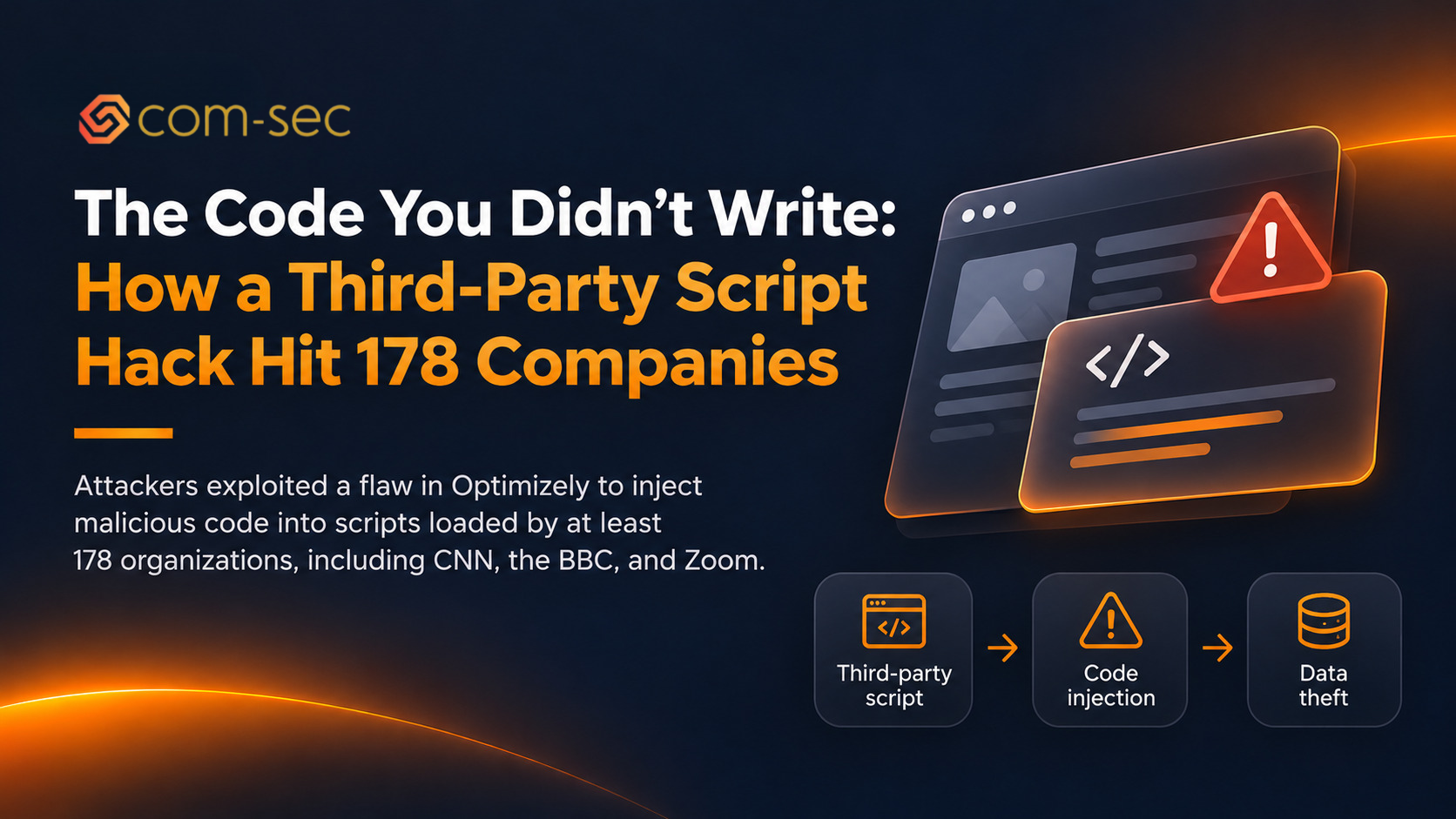
On November 17, 2026, security researchers disclosed that attackers had exploited a flaw in Optimizely Web Experimentation to inject malicious code into scripts loaded by at least 178 organizations. The list of affected companies included CNN, the BBC, and Zoom.
The injected code swapped cryptocurrency wallet addresses and captured credit card details from site visitors. Not from Optimizely's servers. From the websites that loaded Optimizely's script.
If your startup has a website, and it does, you almost certainly have third-party scripts running on it that you've never audited.
HOW THIRD-PARTY SCRIPTS WORK
When you add an analytics tool, a chat widget, an A/B testing platform, or a payment form to your website, you're loading JavaScript from someone else's servers. That script runs in your visitors' browsers with the same permissions as your own code.
It can read form inputs. It can see what your users type. It can modify the page. It can send data to any server it wants.
This is by design. It's how these tools work. The problem is that if the company hosting that script gets compromised, the attacker's code runs on your site with those same permissions.
Your visitors don't know the difference. They see your domain in the address bar. They trust your site. And the malicious code runs silently behind your brand.
WHAT HAPPENED WITH OPTIMIZELY
Attackers found a vulnerability in Optimizely's Web Experimentation product that allowed them to modify the JavaScript files served to Optimizely's customers' websites. The injected code did two things: it swapped crypto wallet addresses on pages where users were making crypto transactions, and it captured credit card details entered into forms.
Optimizely says it fixed the flaw and removed the malicious code, but the number of exposed card numbers is still unknown.
178 organizations were confirmed affected. The real number could be higher.
THIS ISN'T NEW. IT'S JUST GETTING WORSE.
Third-party script attacks have been happening for years. The Magecart attacks that hit British Airways, Ticketmaster, and thousands of e-commerce sites in 2018 and 2019 used the same technique. Attackers compromise one script provider, and every website loading that script becomes a target.
What's changed is scale. Modern websites load scripts from a dozen or more third-party providers. Analytics, marketing, personalization, support, payments, advertising. Each one is a potential entry point.
A typical startup website might load scripts from Google Analytics, Hotjar or FullStory, Intercom or Drift, Stripe, a tag manager, an A/B testing tool, and several marketing pixels. That's seven or more external JavaScript sources running on every page load, each with full access to the DOM.
WHAT YOU CAN DO ABOUT IT
Run an inventory. Open your website in Chrome, press F12, go to the Network tab, and filter by JS. Count how many different domains are loading scripts. If you don't recognize one, find out what it is. If it's not needed, remove it.
Implement Subresource Integrity (SRI). SRI is an HTML attribute that tells the browser to check a script's content against a known hash before executing it. If the content has changed, meaning someone modified it, the browser blocks it. It's one line of HTML per script.
Here's what it looks like:
<script src="https://example.com/script.js"
  integrity="sha384-oqVuAfXRKap7fdgcCY5uykM6+R9GqQ8K/uxy9rx7HNQlGYl1kPzQho1wx4JwY8wC"
  crossorigin="anonymous"></script>
Set up a Content Security Policy (CSP). A CSP is an HTTP header that tells the browser which domains are allowed to load scripts on your page. If an attacker injects a script from an unauthorized domain, the browser blocks it.
Start with a report-only policy so you can see what would be blocked without breaking anything. Then tighten it once you know your legitimate sources.
Use a tag manager with approval workflows. If your marketing team adds scripts through a tag manager, make sure there's an approval step before new scripts go live. The tag manager itself should be locked down with strong authentication.
Monitor for changes. Services like Report URI can collect CSP violation reports, showing you when something tries to load from an unauthorized source. Some security tools also monitor your site's script inventory and alert you to changes.
THE SOC 2 CONNECTION
If your company is pursuing SOC 2, your auditor will look at change management and third-party risk. Third-party scripts are both.
Every script on your website is a dependency you've accepted. Your SOC 2 control environment should include an inventory of those scripts, a process for approving new ones, and monitoring for unauthorized changes.
Most companies we work with discover scripts during their SOC 2 readiness assessment that nobody on the current team remembers adding. That's the gap attackers exploit.
DON'T WAIT FOR THE BREACH DISCLOSURE
The Optimizely attack was discovered and disclosed. Many similar attacks aren't. Magecart-style skimmers have been found running on websites for months before detection.
The fix isn't complicated. Inventory your scripts, implement SRI and CSP, and treat every third-party script as a trust decision, not a marketing decision.
Your website is your front door. Know what code is running on it.
Farbod Fakhrai is the founder of Com-Sec, a cybersecurity and compliance consulting firm for startups and growth-stage companies. com-sec.io